
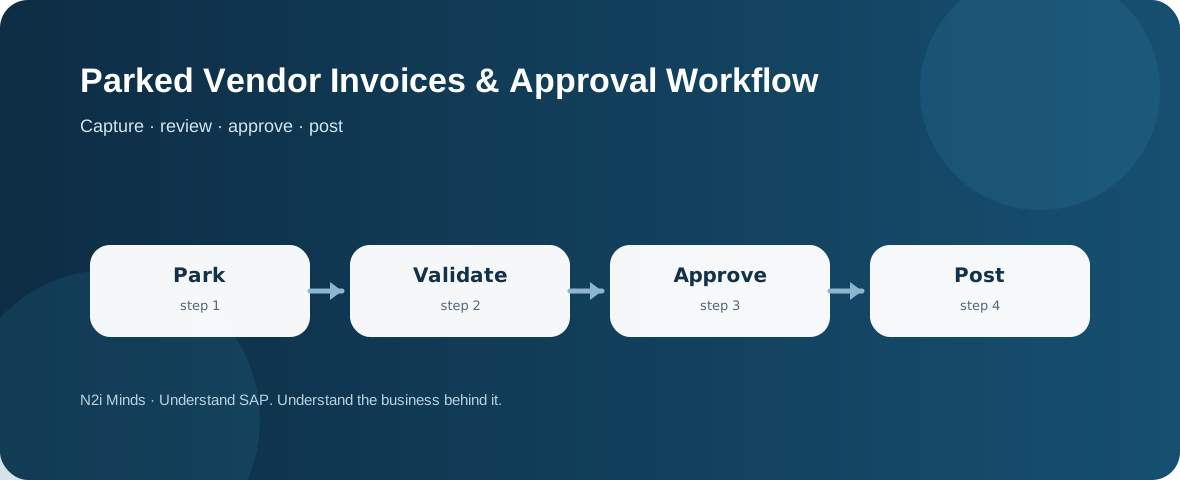
A parked supplier invoice is saved for further processing but is not yet posted as the final accounting transaction. AP teams can use parking to hold incomplete or review-required invoices, route them for clarification or approval, and post only when required data and controls are satisfied.
Parking is a process state, not a payment decision
SAP documents that parked invoices can be saved before posting and changed later. That makes parking useful when invoice data has been captured but the business is not ready to create the final accounting impact. The parked state should be understood as work in progress: it gives the organization time to validate information, resolve exceptions and obtain approvals.
Why AP teams park invoices
Common reasons include a missing cost assignment, an unresolved purchase-order difference, incomplete tax information, a need for business-owner confirmation, or an approval threshold that has not yet been met. Parking avoids forcing a choice between abandoning captured work and posting prematurely. It also creates a visible queue that can be monitored for ageing.
Workflow should define ownership clearly
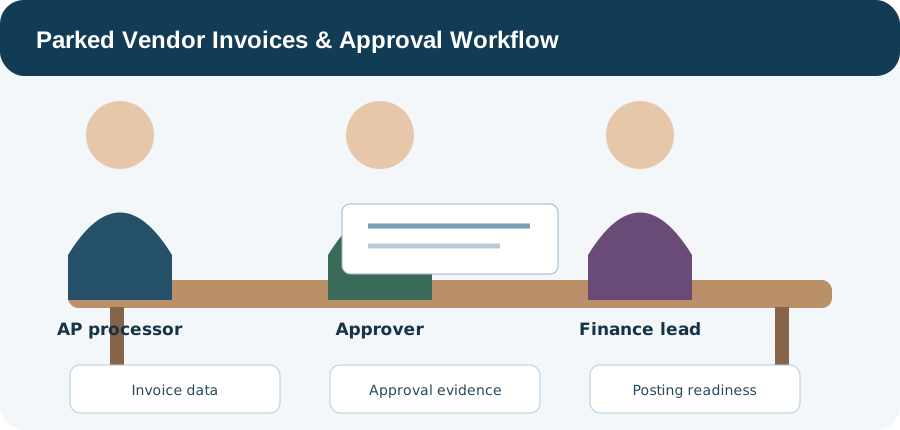
A sound approval workflow answers four questions: who entered the invoice, who validates it, who is authorized to approve it, and who performs or authorizes final posting. Those roles may be combined in a small organization or separated for control reasons. The important point is that the workflow reflects the company’s authorization model rather than assuming that every parked invoice needs the same path.
Approval evidence matters as much as approval speed
Workflow design should preserve why an invoice was approved, what exception was accepted and which supporting information was reviewed. A fast approval with weak evidence can create audit and payment risk later. Where an invoice is returned for correction, the workflow should make the required change visible rather than encouraging informal side-channel approval.
Parked and blocked are different ideas
A parked invoice has not yet reached normal posting. A posted invoice can still be blocked for payment or require later exception handling. Keeping those concepts separate helps AP teams diagnose where an invoice is stuck: before posting, at posting, or after posting in the payment process.
Consultant thinking: design the queue, not only the screen
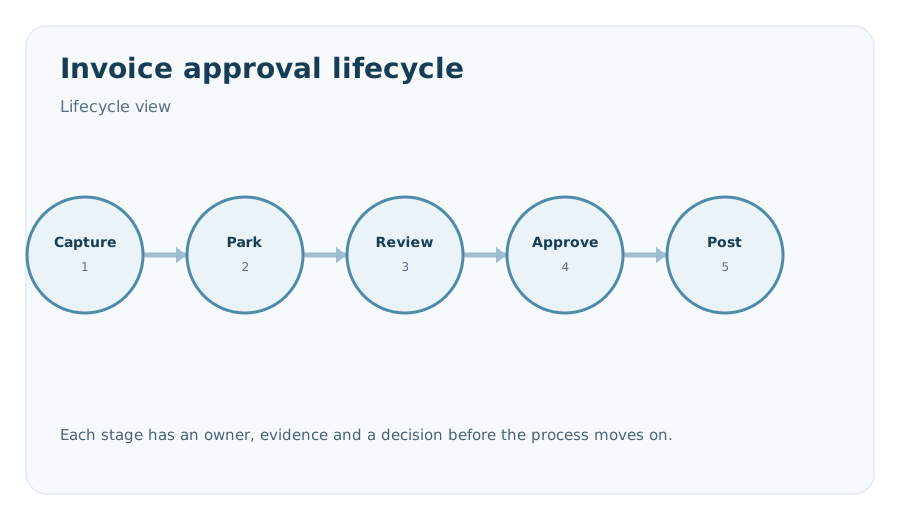
The practical question is not simply whether SAP can park an invoice. It is how the organization will keep parked items from becoming invisible backlog. Useful controls include ownership, ageing review, exception reasons, approval thresholds, escalation and a clear definition of when a parked item is ready to post. The Accounts Payable overview can surface parked-invoice indicators, reinforcing that parked items are an operational queue that needs active management.
Continue with Duplicate Invoice Checks, Payment Run Exceptions and Proposal Review, GR/IR Relationship from an AP Perspective, and the SAP FI / FICO hub.