
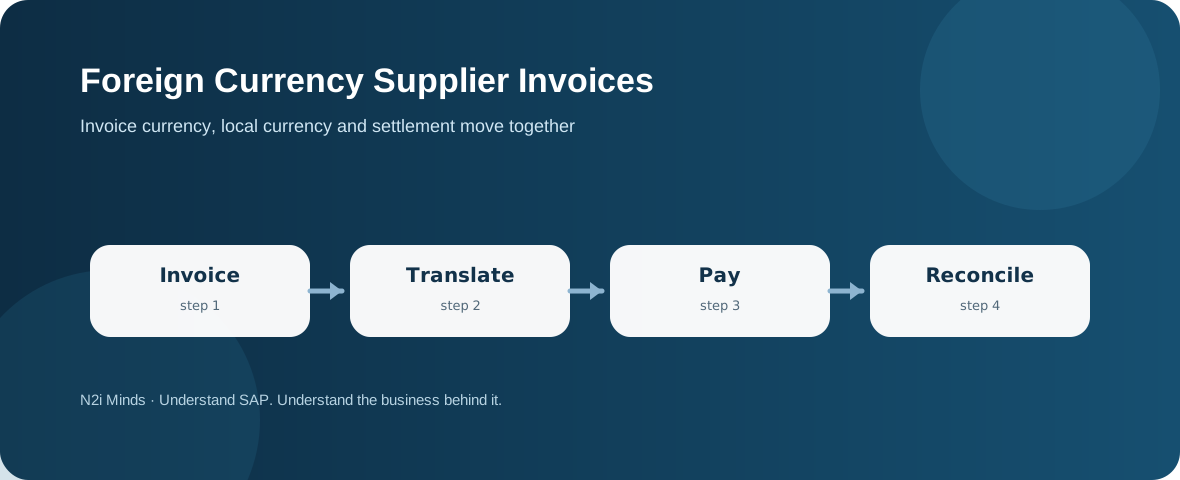
A foreign currency supplier invoice is an Accounts Payable document whose transaction currency differs from the company code's local currency. SAP records the document currency amount and translates it into local currency using the relevant exchange-rate logic. If the rate changes before payment, clearing can create realized exchange-rate differences.
Invoice currency and local currency serve different purposes
The supplier expects settlement in the agreed invoice currency, while the company also needs a local-currency value for its books. SAP documentation shows foreign-currency documents carrying the transaction amount and its translated local-currency value. That dual view keeps the payable meaningful to both the supplier and the reporting entity.
The exchange rate has an accounting date
Translation is not just a currency-pair lookup. The posting date, translation date or an explicitly entered rate can determine which rate is used, depending on the process and configuration. Accounts Payable therefore needs clear controls over dates and rate overrides because they affect the local-currency liability.
Purchasing context still matters
When a supplier invoice refers to a purchase order created in foreign currency, invoice processing must still validate quantity, price, taxes and reference data. SAP supplier-invoice guidance includes entering the invoice currency and exchange rate when foreign currency is involved. Currency handling does not replace normal invoice controls.
Payment can create a realized exchange-rate difference
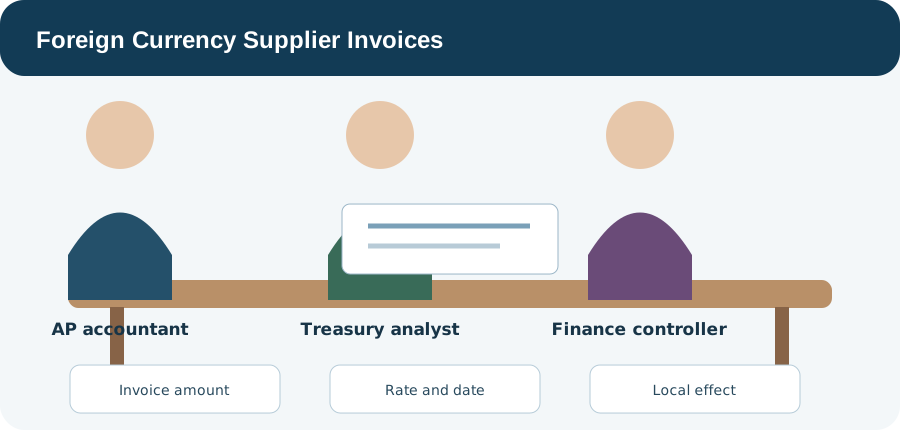
If the invoice was posted at one rate and paid at another, the local-currency equivalent can change even when the supplier receives the same foreign-currency amount. SAP payment examples show the resulting difference being recognized during settlement. Invoice posting and payment clearing are therefore two linked valuation moments.
Open items need careful review before settlement
Cross-currency clearing can involve the item currency, local currency and clearing currency. Teams should verify the currency being settled, selected open items, payment amount and exchange-rate difference before posting. A mismatch that appears to be an AP error may instead be a legitimate currency effect, or vice versa.
Consultant thinking: separate commercial correctness from currency effects
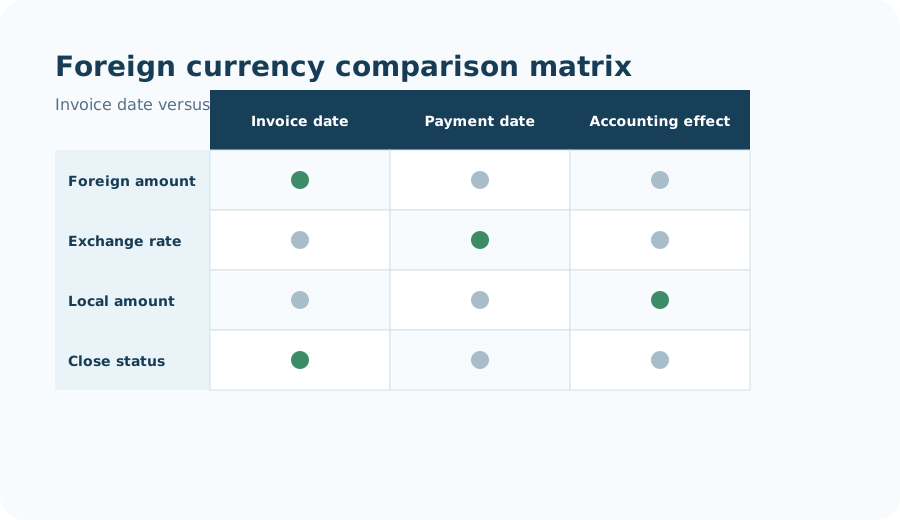
When a foreign-currency payable looks wrong, first confirm the supplier amount and invoice logic, then the translation date and rate, then the settlement currency and clearing outcome. That sequence prevents a genuine pricing or invoice error from being hidden inside exchange-rate analysis.
Continue with Vendor Account Clearing, Payment Run Exceptions and Proposal Review, Intercompany Accounts Payable, and the SAP FI / FICO hub.