
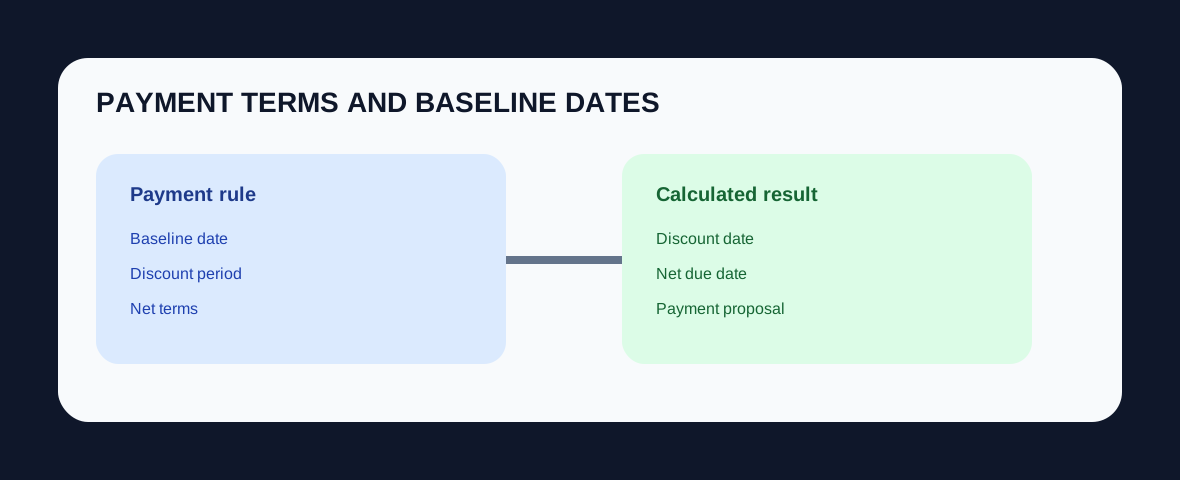
In SAP FI, terms of payment define the rules used to calculate invoice due dates and cash-discount periods. The baseline date is the date from which those day counts are calculated. SAP can propose the baseline date from document date, posting date or entry date, and configured rules can also adjust it with fixed days or additional months.
Why the baseline date matters
Two invoices with the same payment-term key can have different due dates if their baseline dates differ. That makes the baseline date a control-sensitive field: an incorrect value can make an invoice look prematurely overdue, delay payment, or change discount eligibility.
What payment terms control
SAP Learning states that payment terms define the baseline date for due-date calculation, cash-discount periods and discount percentages. The payment-term key can be defaulted from Business Partner master data or entered in the transaction line item.
How baseline-date defaults work
Configuration can propose document date, posting date or entry date as the baseline. Further rules can set a fixed calendar day or add months. The correct choice depends on the commercial agreement and company policy.
Consultant checks
Verify master-data defaults, posting overrides, document-date policy, credit-memo behavior, cash discounts and how due dates feed payment proposals and overdue reporting. Test month-end and fixed-day edge cases rather than only simple calendar dates.
Continue with Vendor Invoice Posting Lifecycle, Open Item Management, Automatic Payment Program Overview, and the SAP FI / FICO hub.