
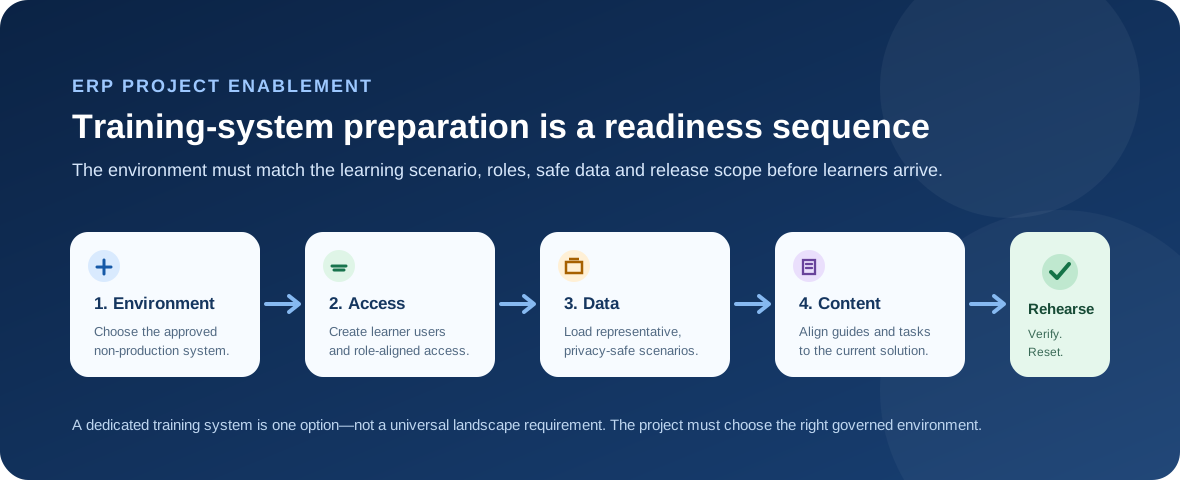
Training systems in SAP projects are prepared by choosing an approved non-production environment, stabilizing the relevant solution scope, creating learner identities and role-appropriate access, loading representative and privacy-safe scenario data, aligning learning content to the current system, and rehearsing the sessions with a clear reset and support plan. The exact system used varies by deployment model and project design; not every implementation has a permanently dedicated system called “training.”
Start by choosing the right environment
The first decision is architectural, not instructional: which non-production environment is suitable for enablement? SAP learning content for SAP S/4HANA Cloud Public Edition distinguishes starter, development, test and production systems, with an optional sandbox, and separately describes SAP Learning System Access as a course-specific training environment. A customer project may therefore use a dedicated training tenant, a sandbox, or another approved non-production environment depending on its landscape, licensing, release plan and governance.
Stabilize the process scope before learners arrive
Training content has to resemble the process people will actually use. If configuration, roles, labels or navigation are still changing rapidly, instructions and practice scenarios can become wrong before a class starts. Learning leads should coordinate with functional, technical and release teams to know which process version is ready to teach and which late changes must be reflected in the materials.
Create learner users and role-aligned access
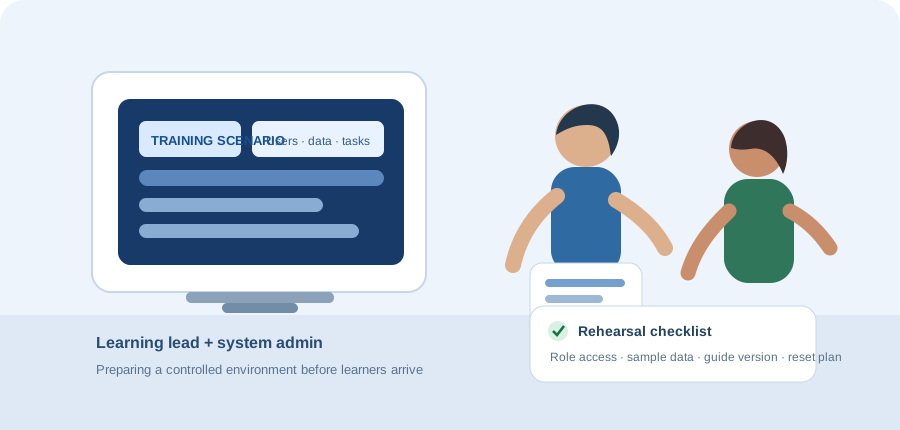
Learners need enough access to complete the scenario they are being taught, but training is not a reason to grant broad privileges. User creation, identity provisioning and authorizations should be planned early, tested with representative personas, and supported by a clear process for access issues during sessions. The access model should reflect the job role being learned rather than giving every learner the same generic account.
Prepare representative, privacy-safe scenario data
A useful training system contains data that makes the process understandable: customers, suppliers, materials, orders, accounts or other records appropriate to the scenario. The data should be safe for the environment and should not expose uncontrolled personal or sensitive production information. The team also needs to know what learners will change, whether scenarios interfere with one another, and how the baseline will be restored between classes.
Keep learning content synchronized with the project
Learning and enablement should be planned as part of the implementation, not as an isolated activity at the end. SAP learning content for enablement projects places learning planning and execution inside implementation work. SAP Help also describes how SAP Enable Now content and project structure can be integrated with SAP Cloud ALM, illustrating the broader principle that learning material, project scope and system changes need traceability rather than separate ownership silos.

Rehearse the complete learner journey
Before a class or rollout wave, facilitators should perform the same login, navigation and business steps that learners will perform. A useful rehearsal checks access, data, timing, instructions, expected outcomes and the recovery path when a learner gets stuck. This is also the moment to confirm who resets the environment, who supports access issues and how quickly the system can be restored for the next group.
Use a readiness gate, not a calendar assumption
A date on the training plan does not prove the environment is ready. A practical readiness gate asks whether the intended process version is stable enough to teach, learner accounts work, roles are correct, scenario data exists, materials match the system, the facilitator has rehearsed the flow, and reset/support ownership is explicit. If a major change lands after that gate, the team should deliberately assess its training impact.
Consultant thinking: treat the training environment as a small product
The most useful mindset is operational: the training system has users, dependencies, data, changes, support needs and a service window. Managing it like a small product reduces avoidable classroom failures and keeps enablement credible. It also helps project teams separate training readiness from testing readiness—the two can use related environments, but their objectives, data and operating rules are not identical.
Continue with How Test Cycles Are Planned, How Test Evidence Is Maintained, How Performance Testing Differs from Functional Testing, How End-to-End Scenarios Are Selected, and the Consulting & ERP Projects hub.