

SAP IBP uses planning-relevant master and transaction data from systems such as S/4HANA. S/4HANA can remain the source for operational objects while IBP uses the agreed inputs to build and compare plans. Whether and how an approved planning result goes back depends on the integration scenario; a result in IBP does not itself create an execution document.
Start with a concrete planning decision
A pump planner sees a stock shortfall at a plant. The integration team should first confirm the exact product and location identifiers, units, and which stock and receipt records are in scope. If the same stock appears twice after a mapping change, the model may produce a feasible-looking plan that cannot be executed.

Choose the scenario, not just a connector
SAP documents real-time integration (RTI) for supported source releases and planning areas. Its Core Interface captures changes and transfers them asynchronously. SAP also documents periodic integration choices for time-series scenarios. Confirm edition, release, data object, planning area and direction in the scenario matrix before choosing an implementation.
Trace a single product-location
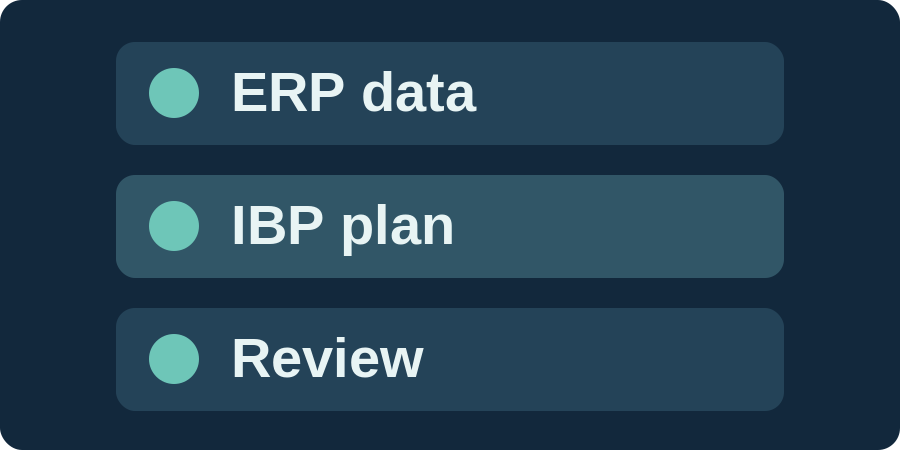
In a hypothetical weekly plan, ERP shows 120 on hand and 40 due, while demand is 180. Confirm all quantities use the same unit and cutoff before interpreting a 20-unit shortfall. Then verify separately whether the resulting proposal is approved, eligible for export and acknowledged at the destination.
What to check before production
Reconcile counts and representative records at both ends, test late updates and reprocessing without duplication, and name who owns rejects. Record which objects may flow back and which remain planning-only. An interface success message is not proof that the planner sees the right amount.